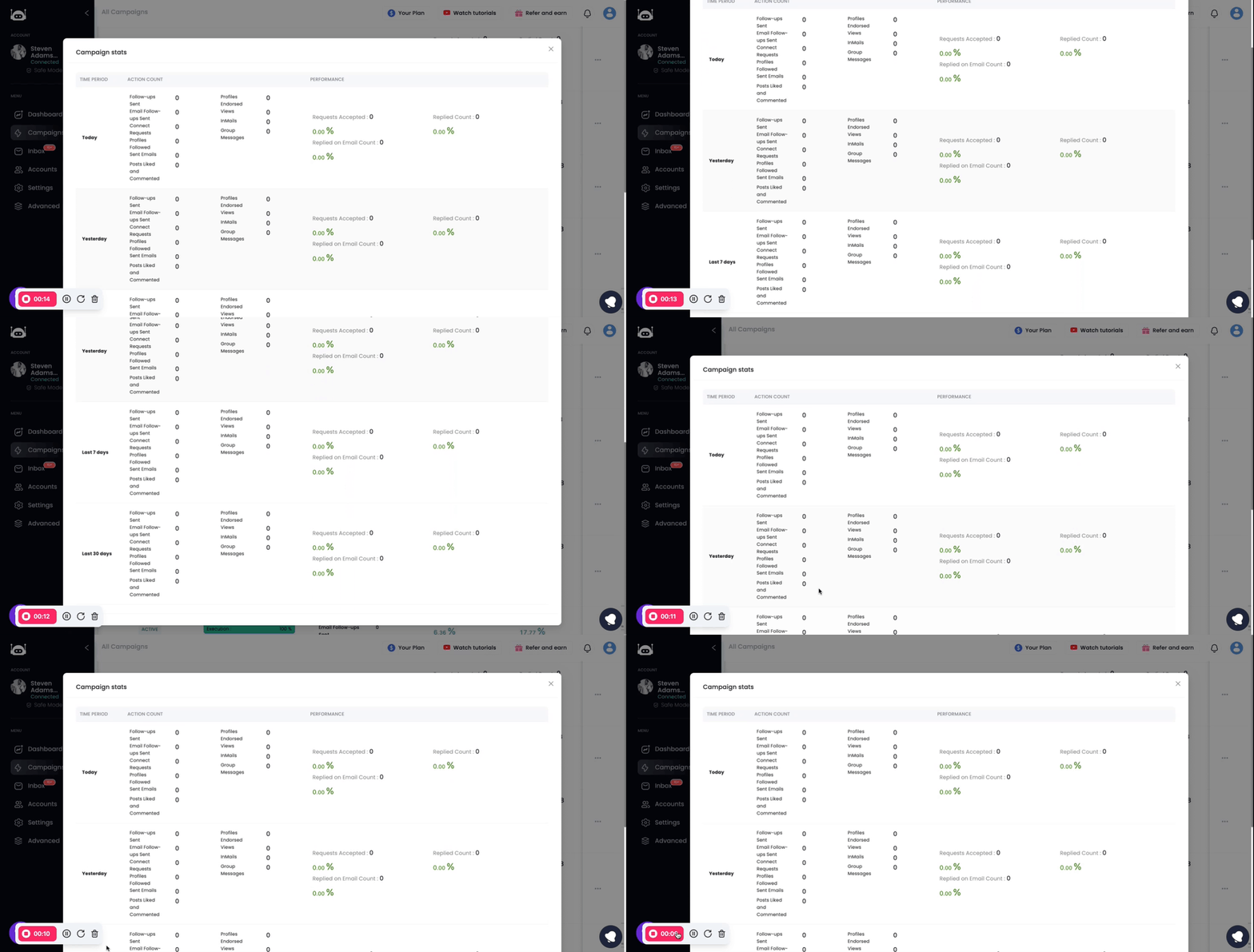
Here are the two methods that you can use to check your campaign stats in Lead Finesse:
Method 1: Inside the Campaign
- Go to the Campaigns tab in Lead Finesse.
- The campaign stats will be displayed on the right side of the campaign that you want to check the stats for.
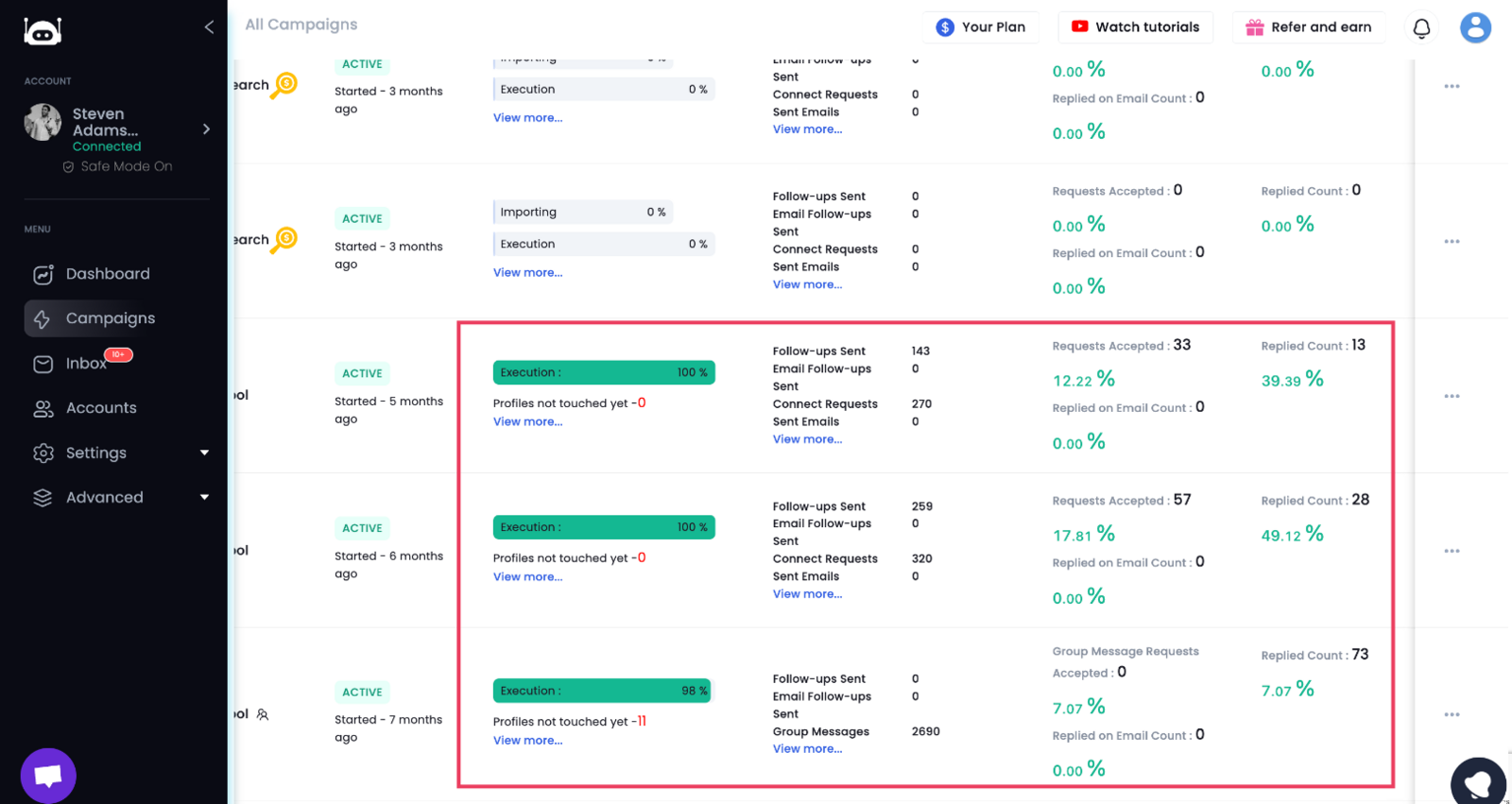
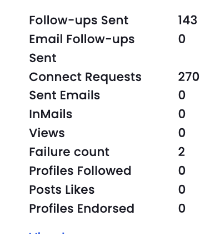
- The campaign stats will show you information such as:
Method 2: In the Campaign Stats option
- Go to the Campaigns tab in Lead Finesse.
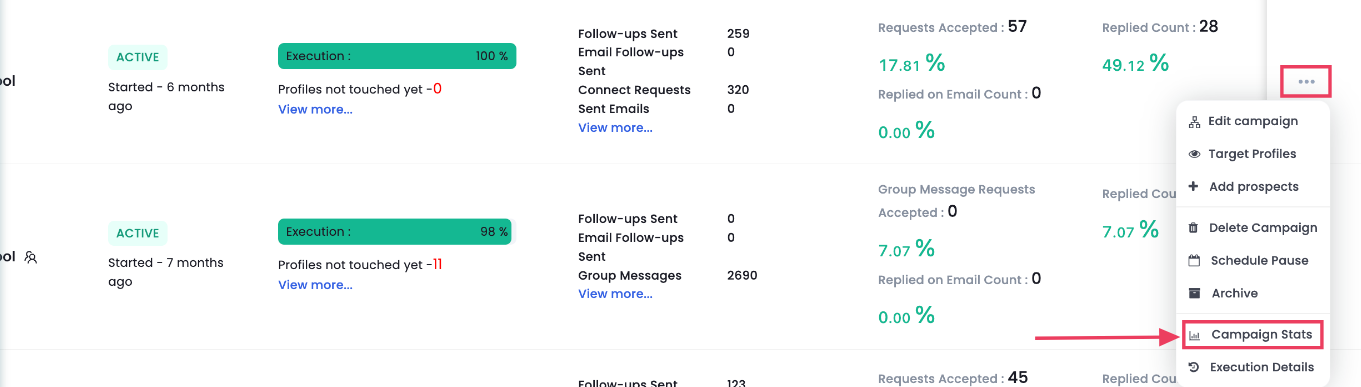
- Click on the three dots present under Actions category of the campaign that you want to check the stats for.
- Click on the Campaign Stats option.
- It will show the stats of all the recent activities within that campaign.