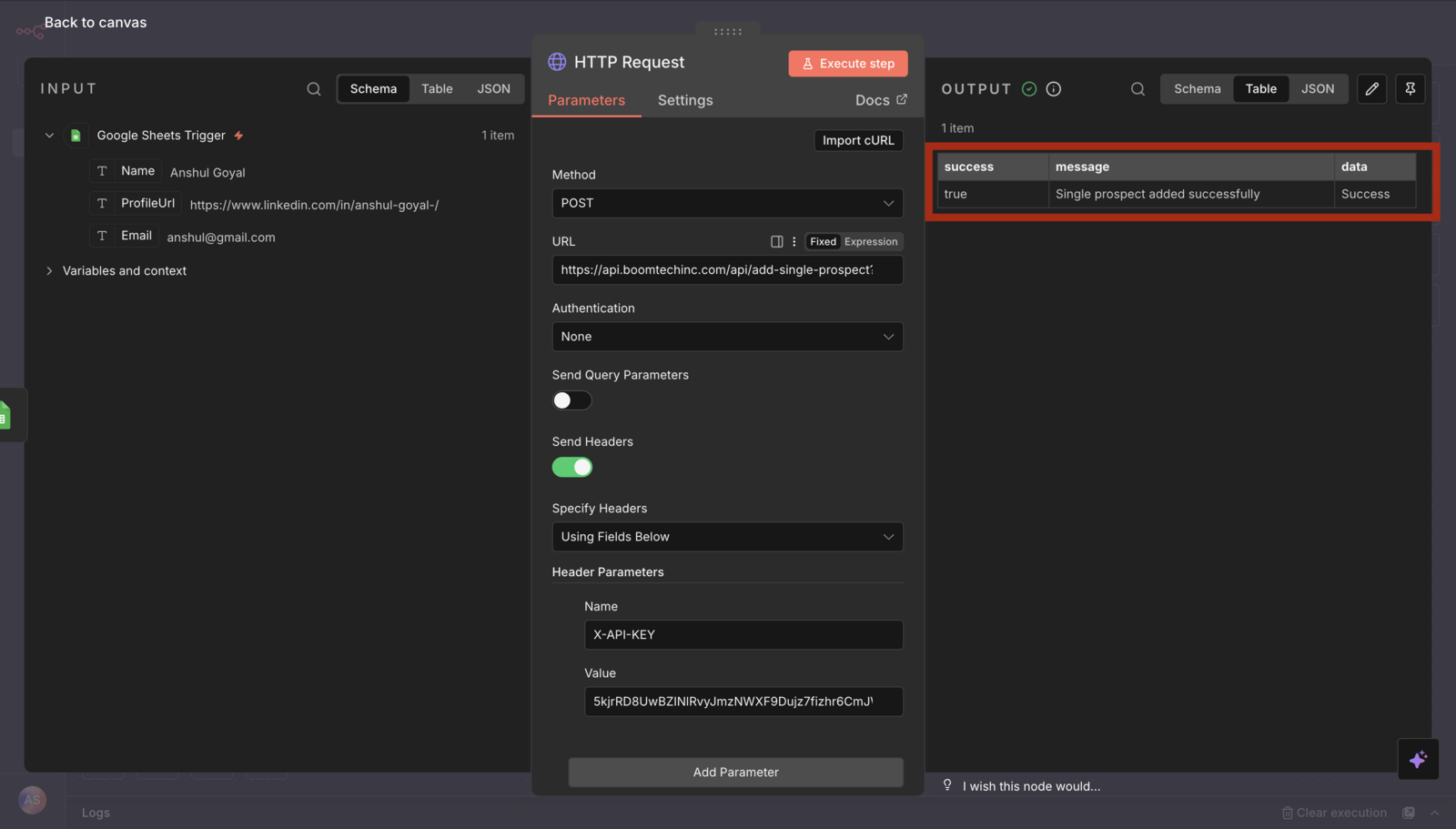
You can easily connect Lead Finesse to your existing workflows using n8n. Setting up an API connection is now simpler and faster than ever.
Check out the complete video tutorial: [Integrate Lead Finesse with n8n]
In this article we will create a new Workflow in which we will add prospects to Lead Finesse campaign when a new row is inserted in the google sheet.
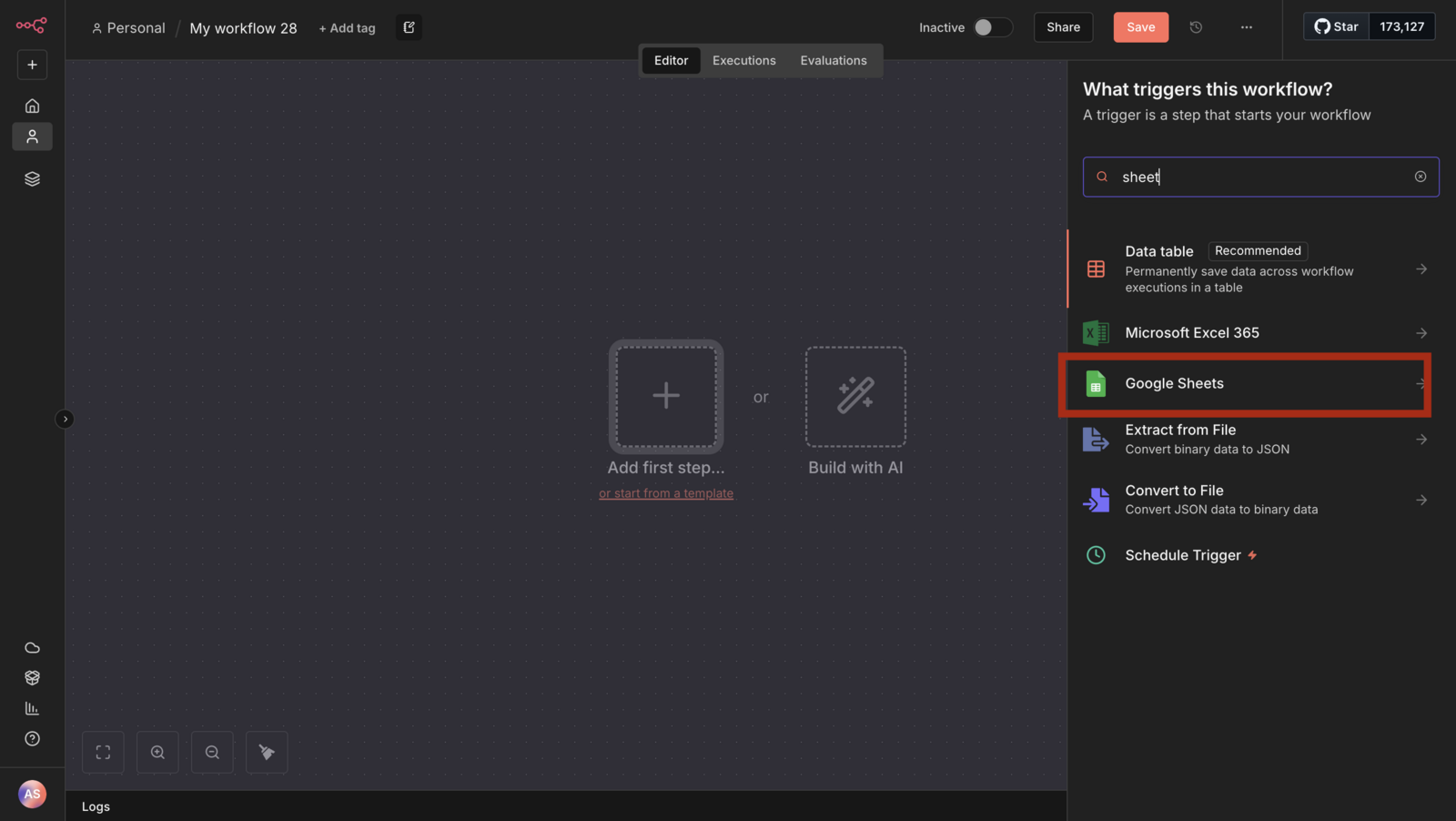
- First select Google sheets as the first step
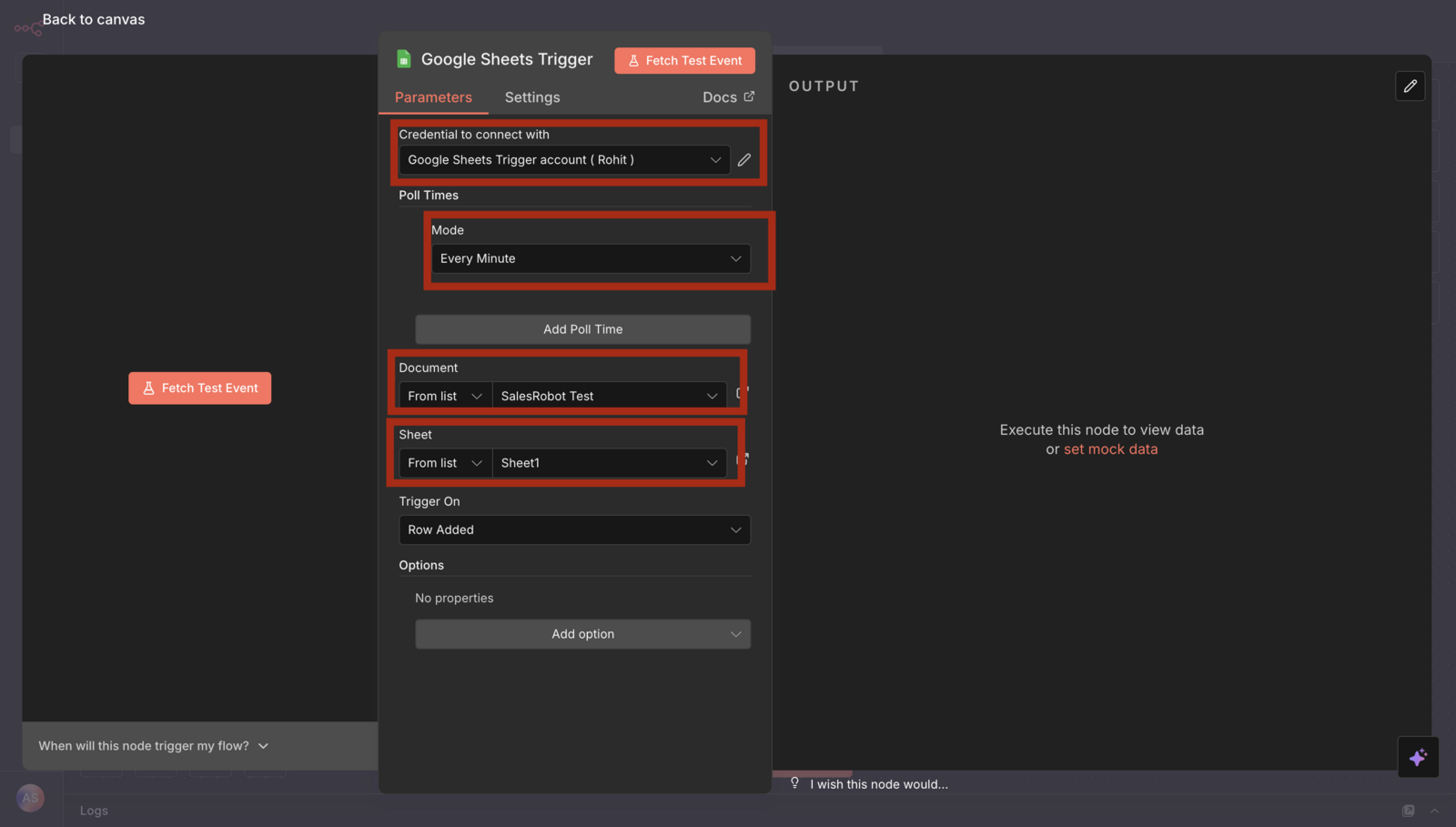
- Choose the google account and the document
- Create new Http request step
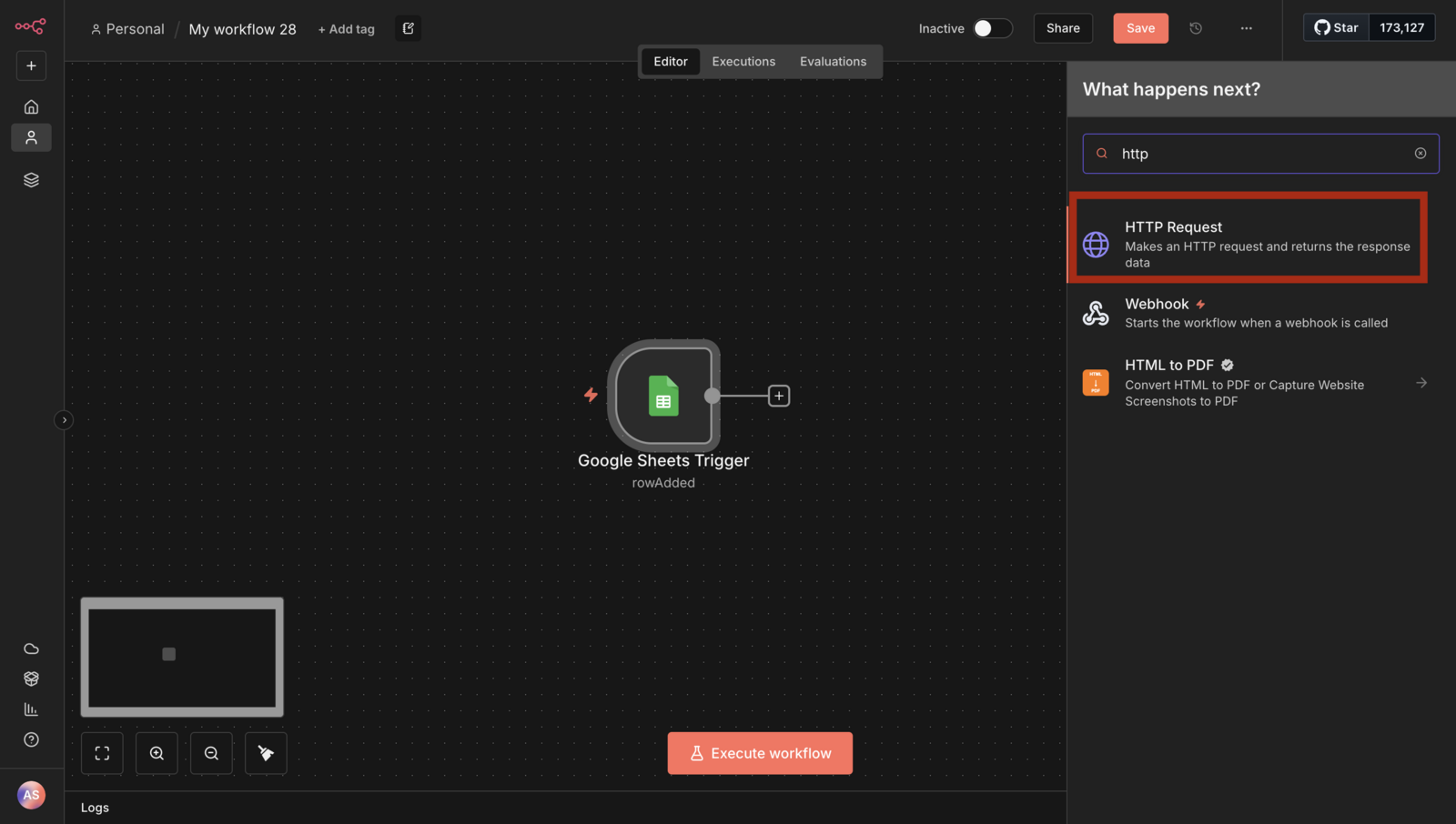
Use this document as reference: https://documenter.getpostman.com/view/10815846/2sB3BKE8Fb#1d16003c-b5cf-4010-9e5b-c834b2a3944c
Set the method to POST , url from the documents and in the url you will need campaignUuid and linkedinAccountUuid.
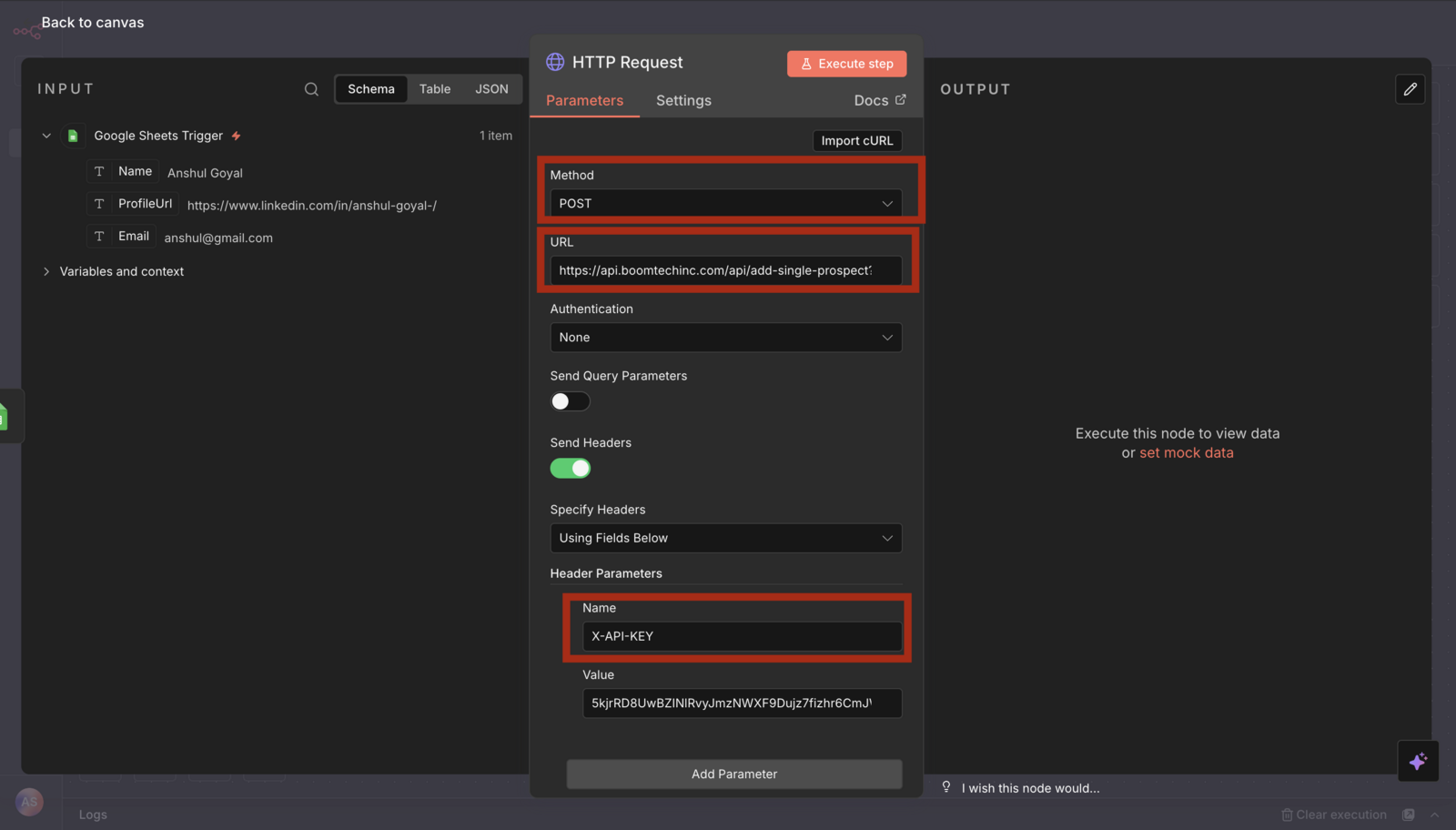
- For getting the campaignUuid go to campaigns page then click on three dots for the campaign you want to add prospects to, and then click view details.
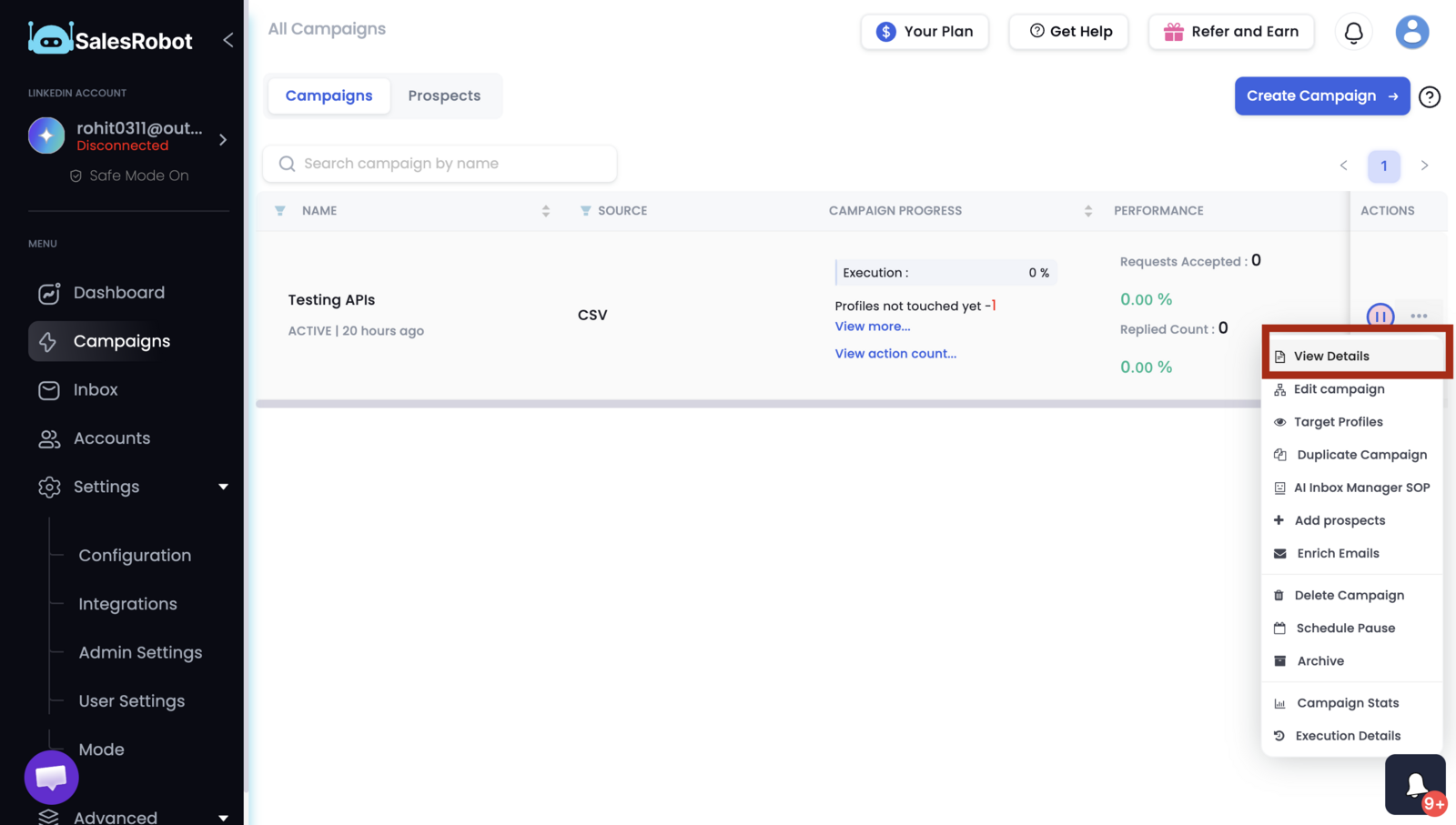
- Then copy the campaign Uuid.
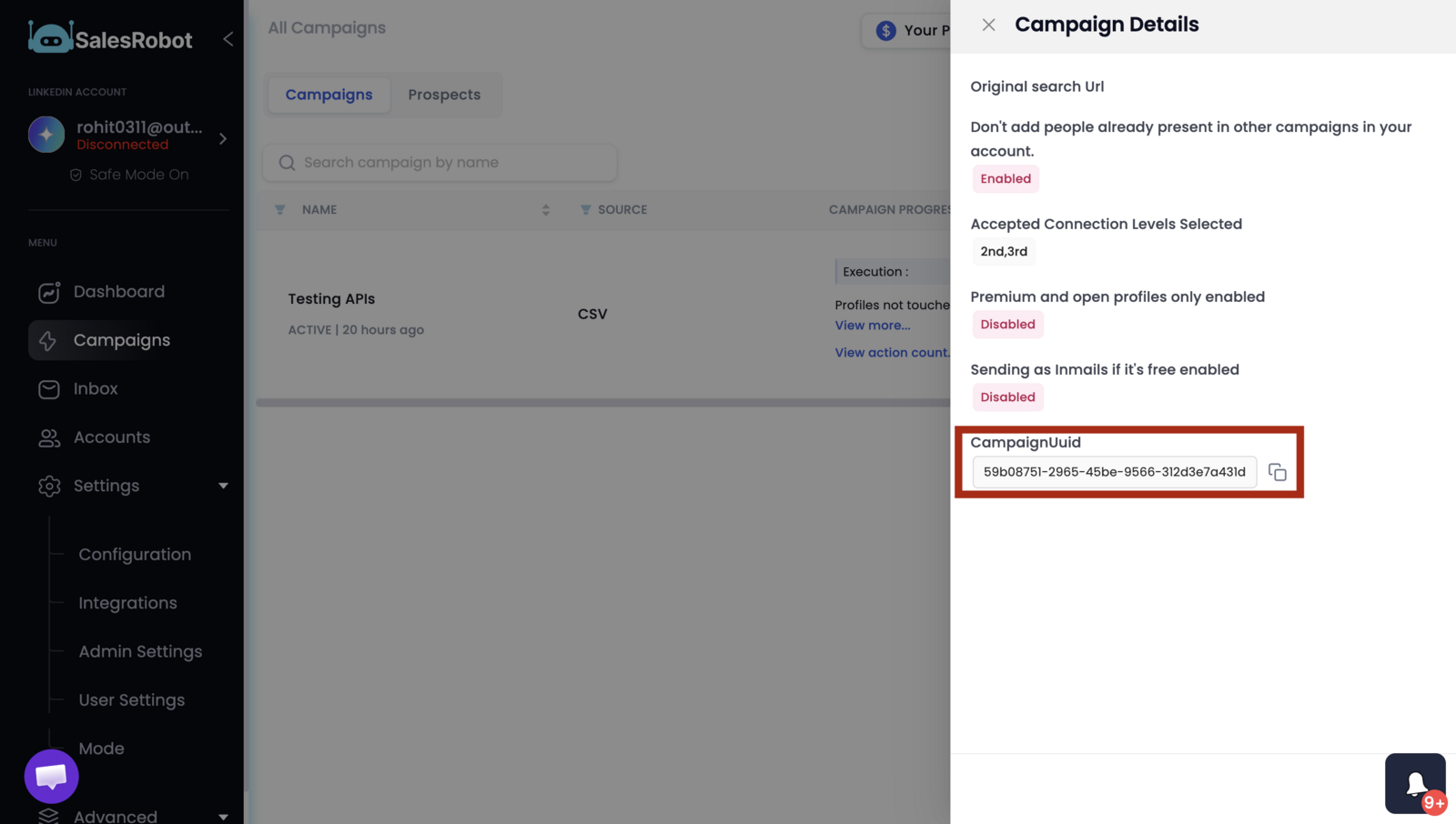
- For getting the linkedinAccountUuid go to the accounts page , click on the three dots and then click copy. this will copy the linkedinAccountUuid to the clipboard.
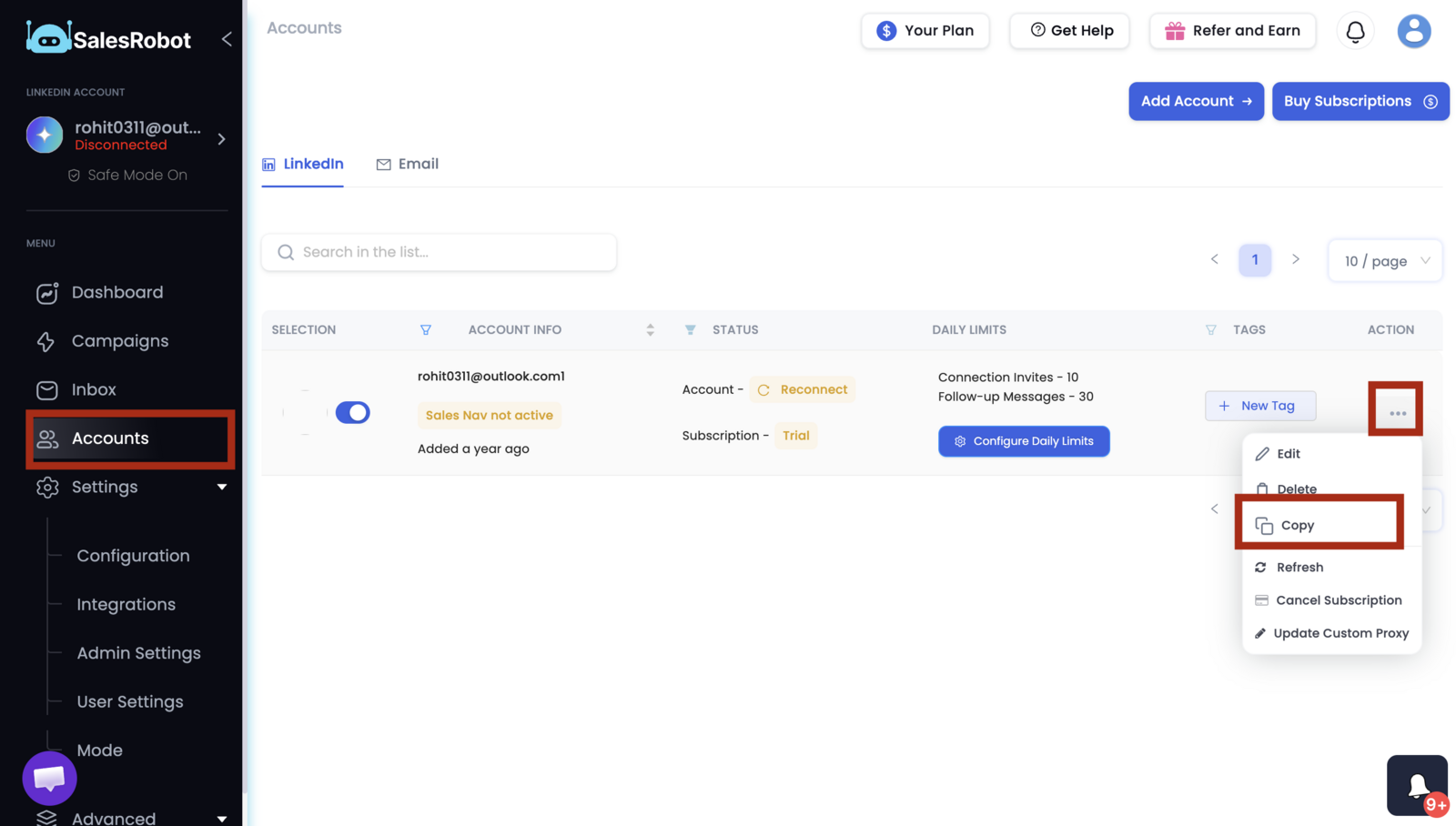
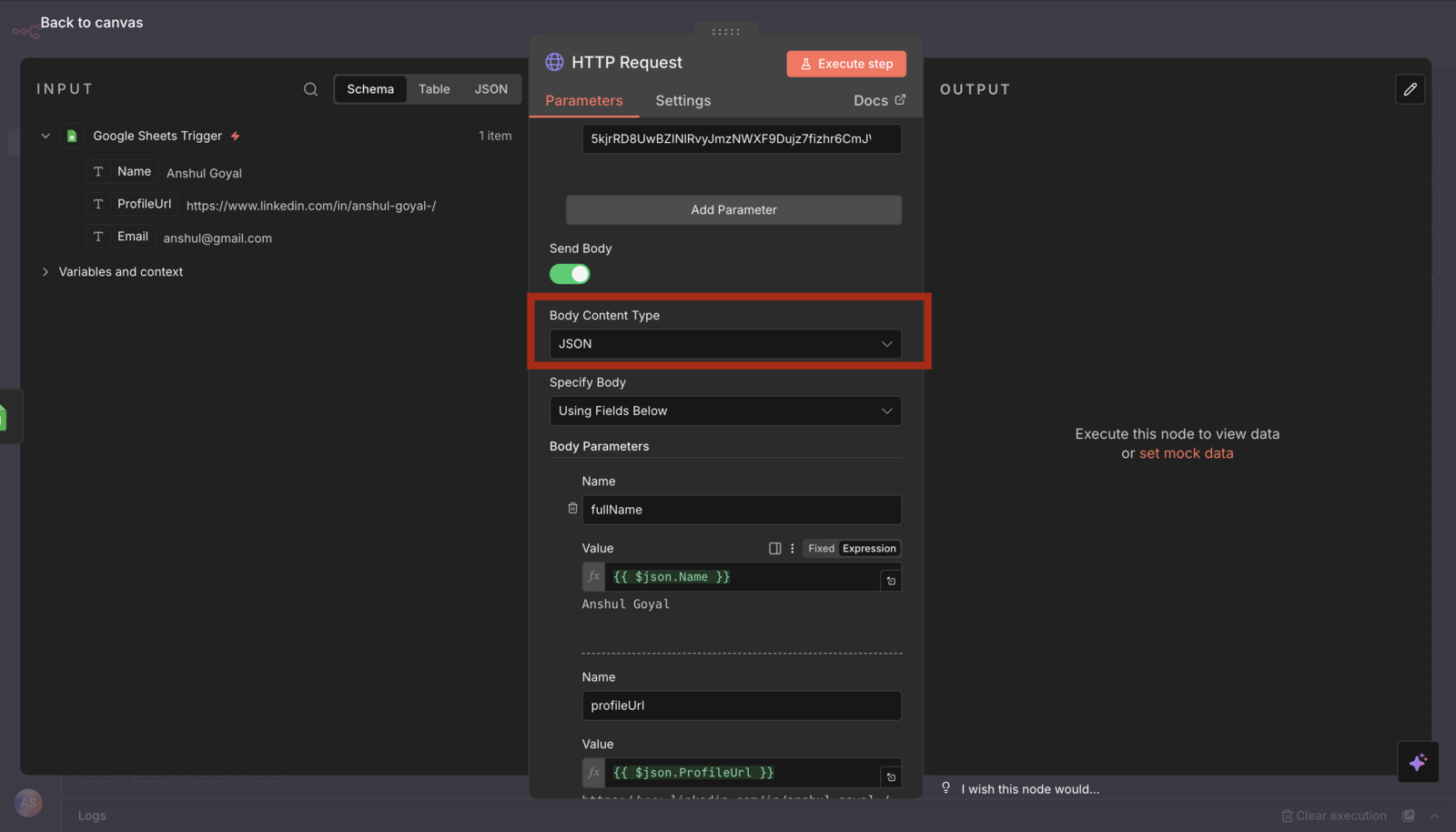
- Make sure to set the body content type to JSON, and fill the fields ( profileUrl is the mandatory field )
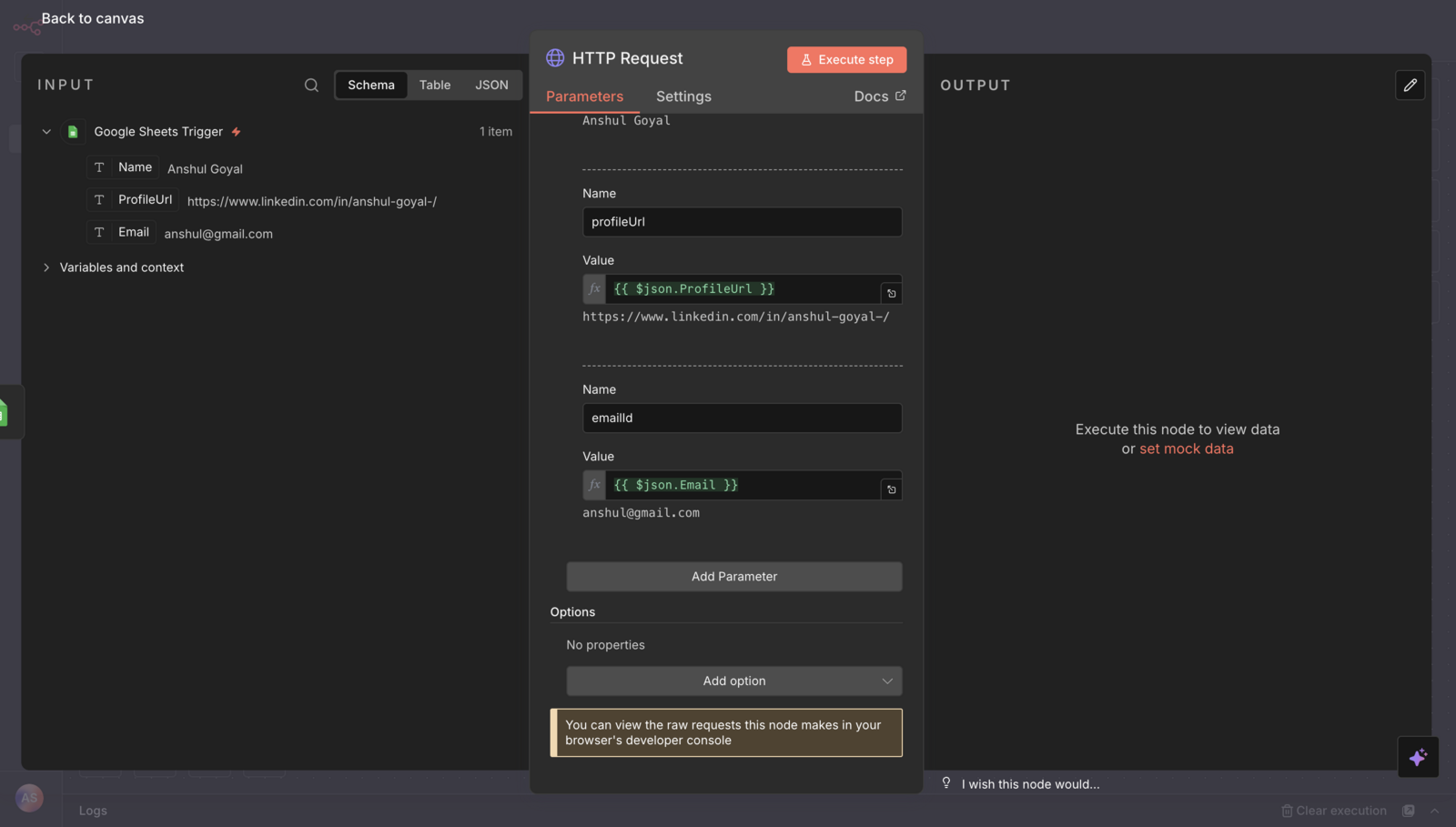
- After you execute the step it should return in success true.