- Navigate to https://app.leadfinesse.com/accounts
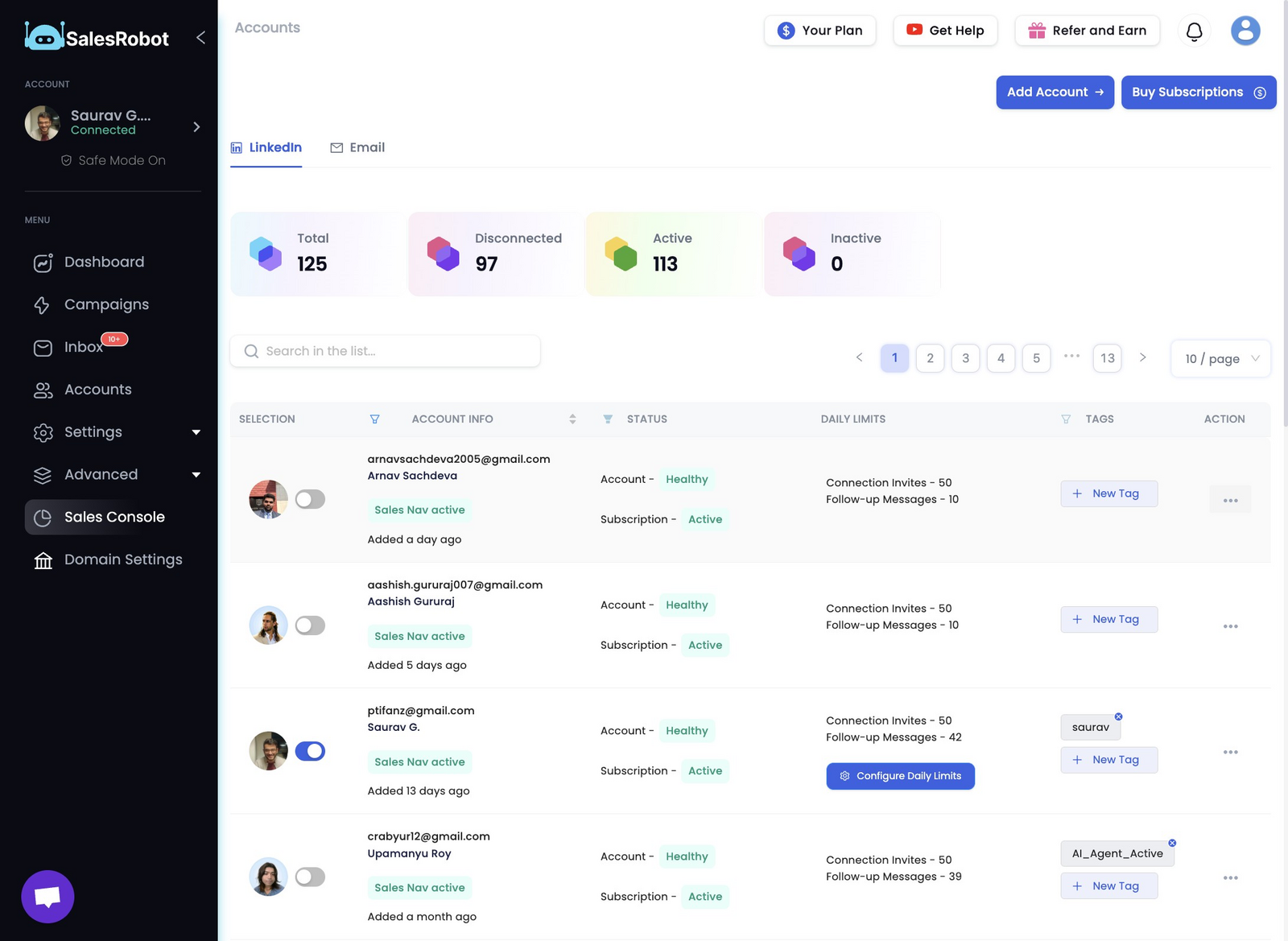
- Click this the 3 dots under the ACTION column of the LinkedIn account that you want to reconnect
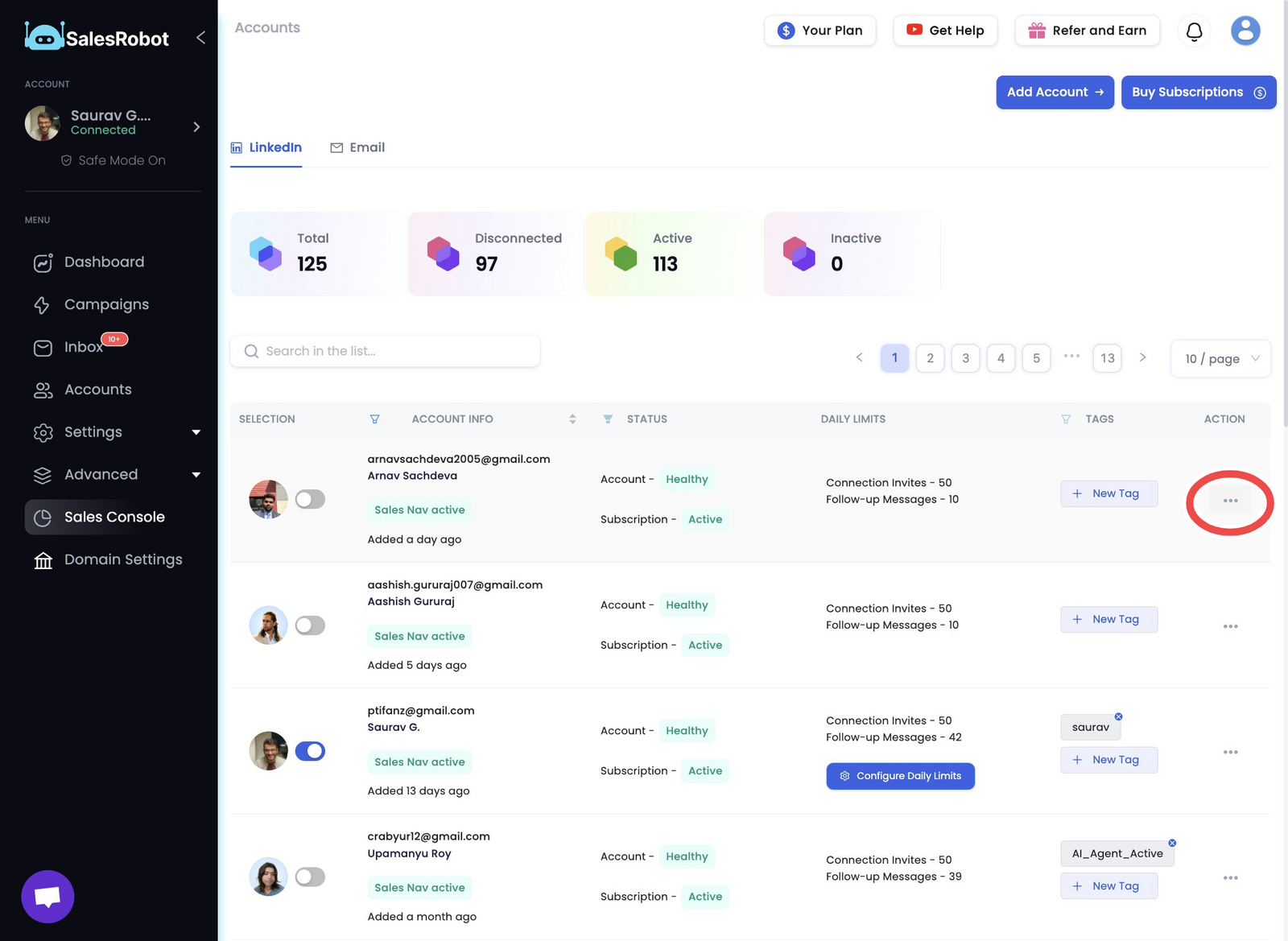
- Click "Edit"
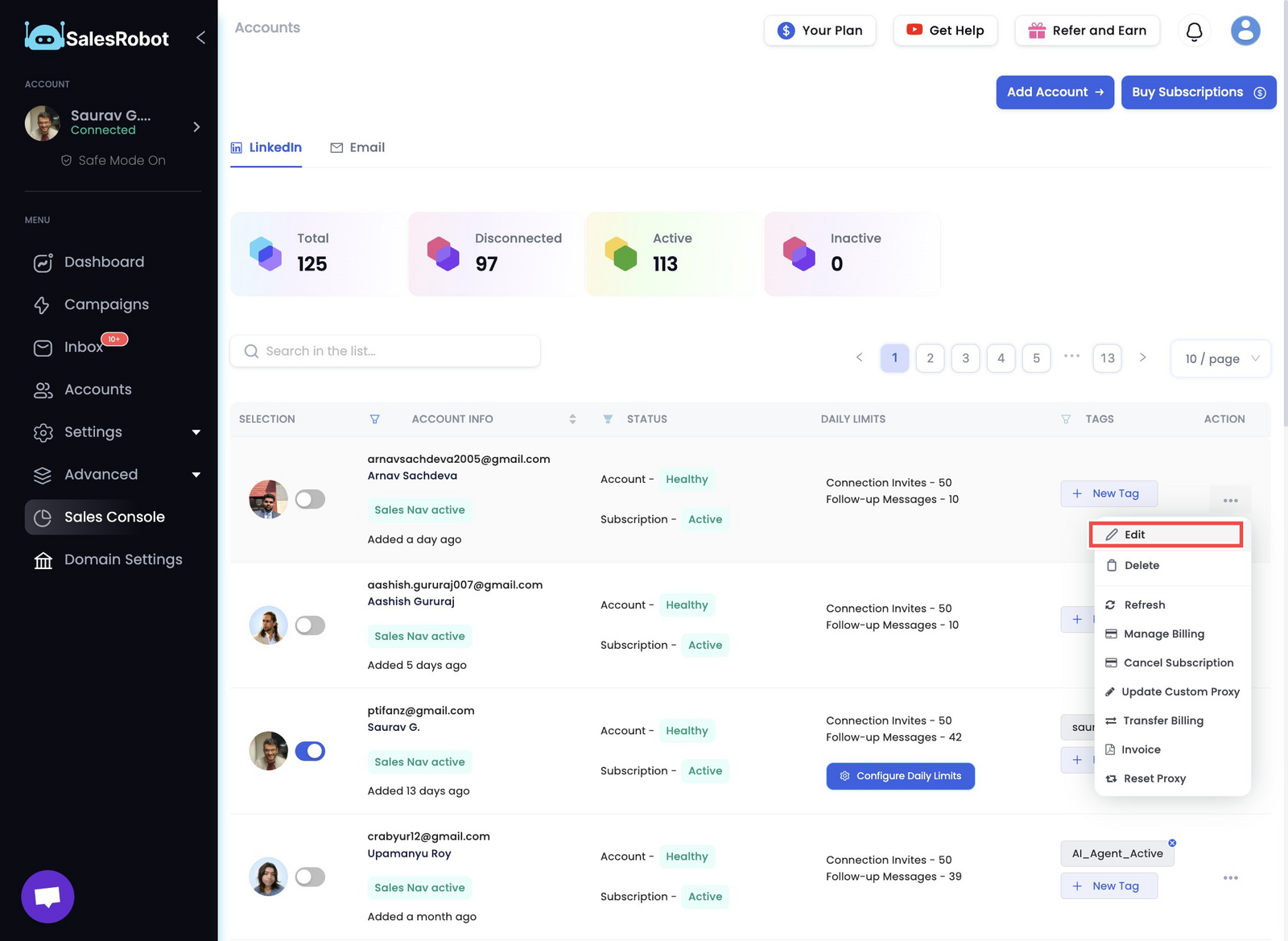
- Click "Update account"
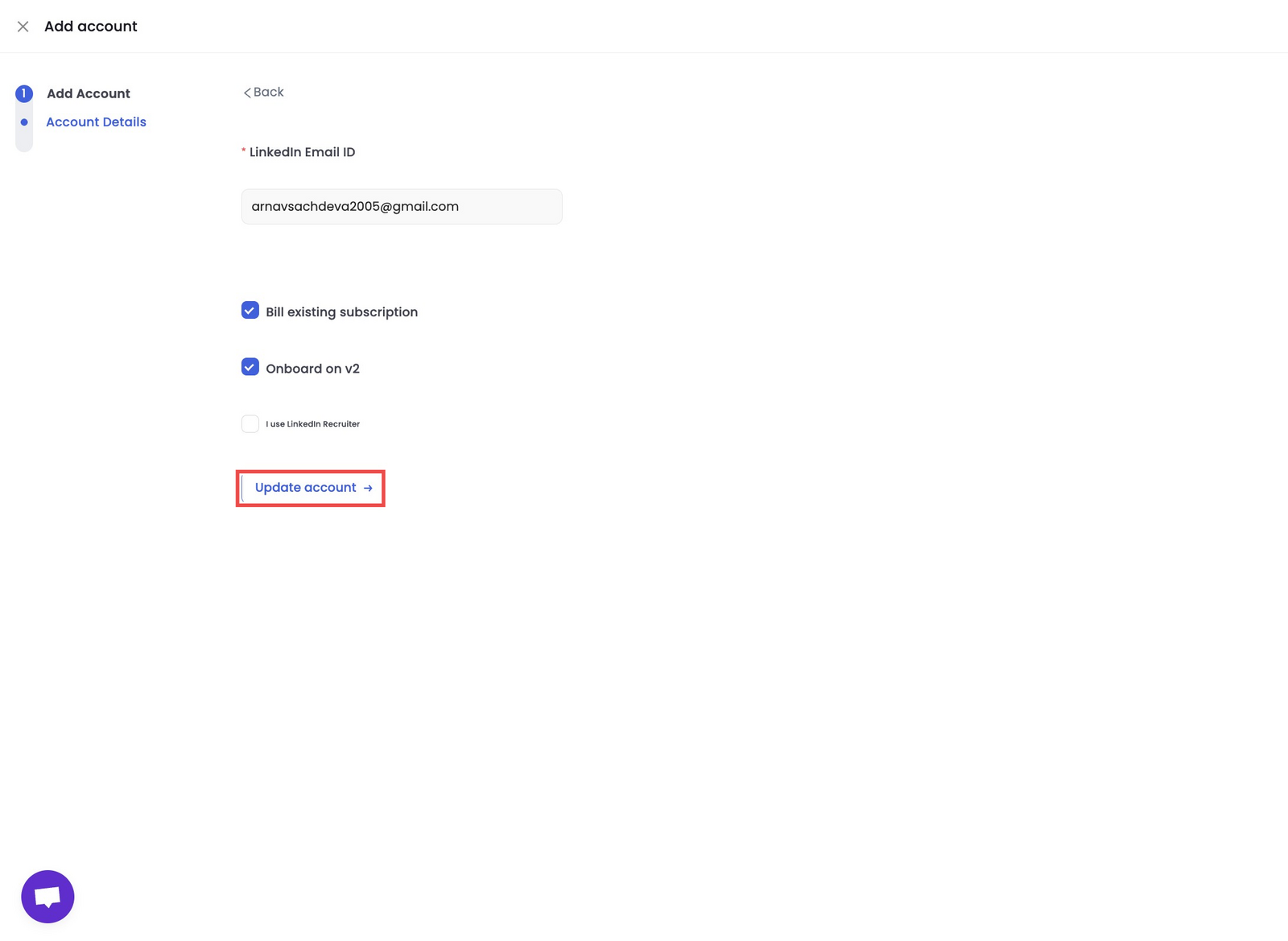
- Click the "Email" field and enter your email.
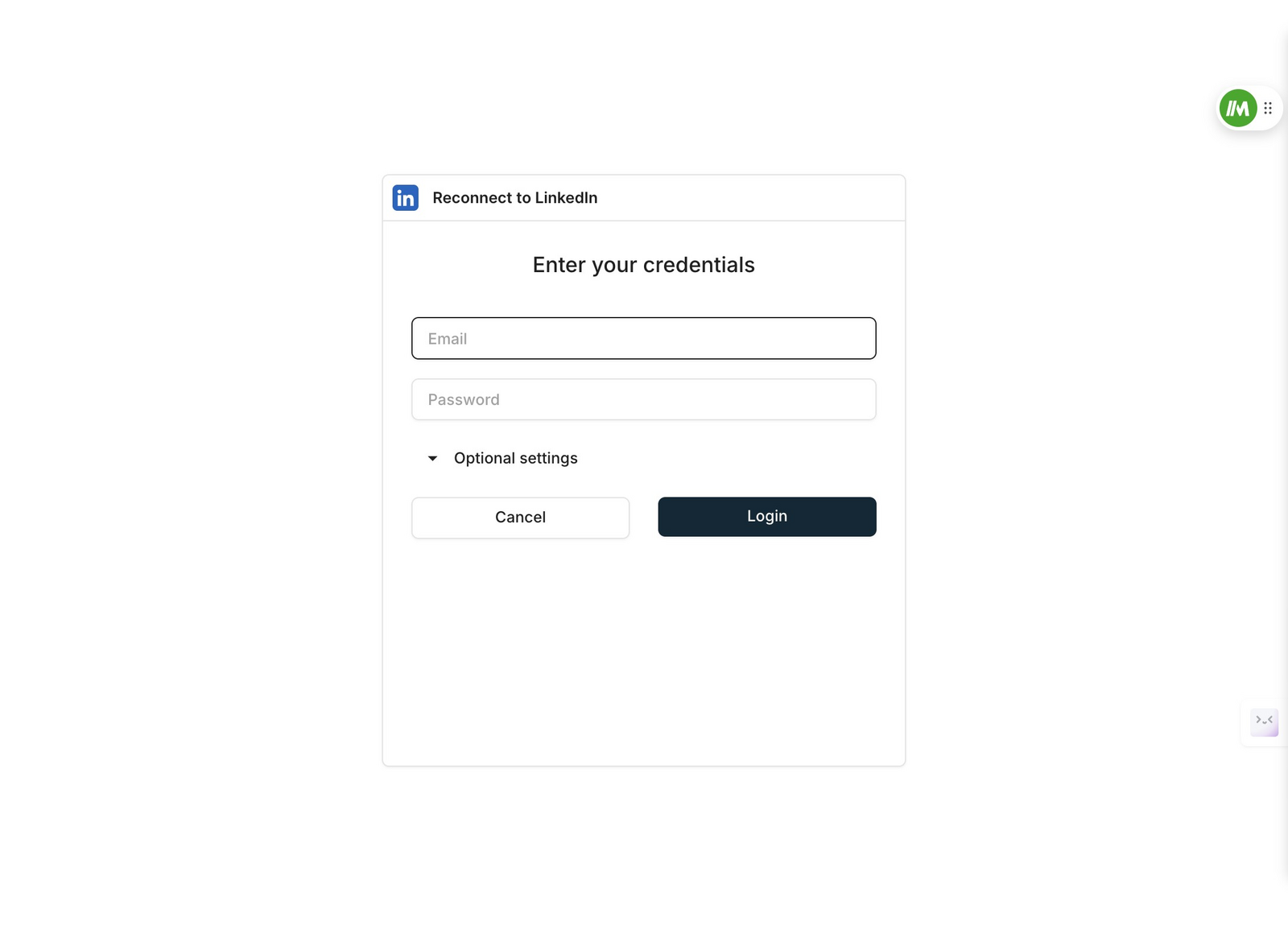
Click the "Password" field and enter the password
Click "Optional settings"
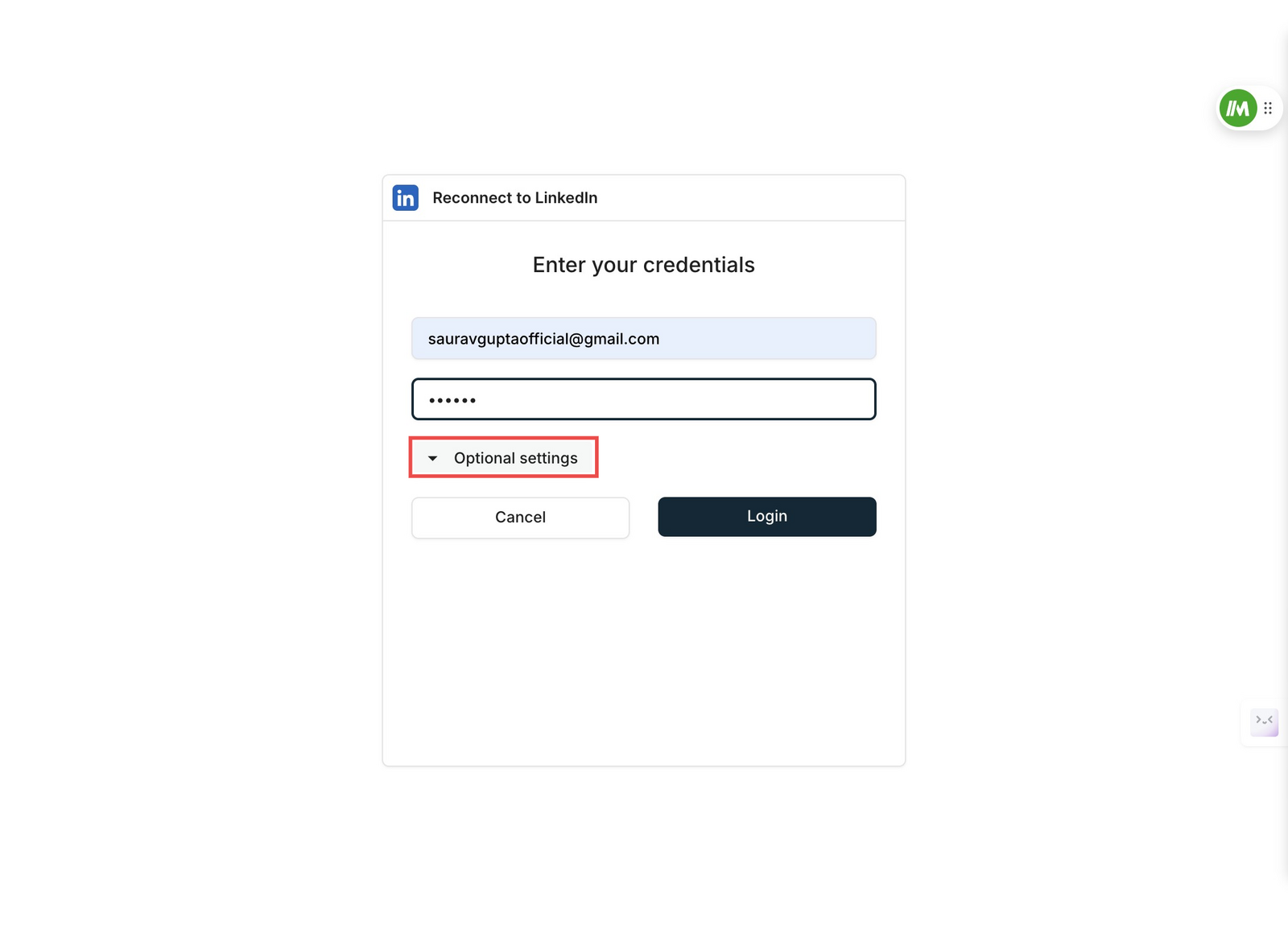
- Click "(Default) Based on IP address"
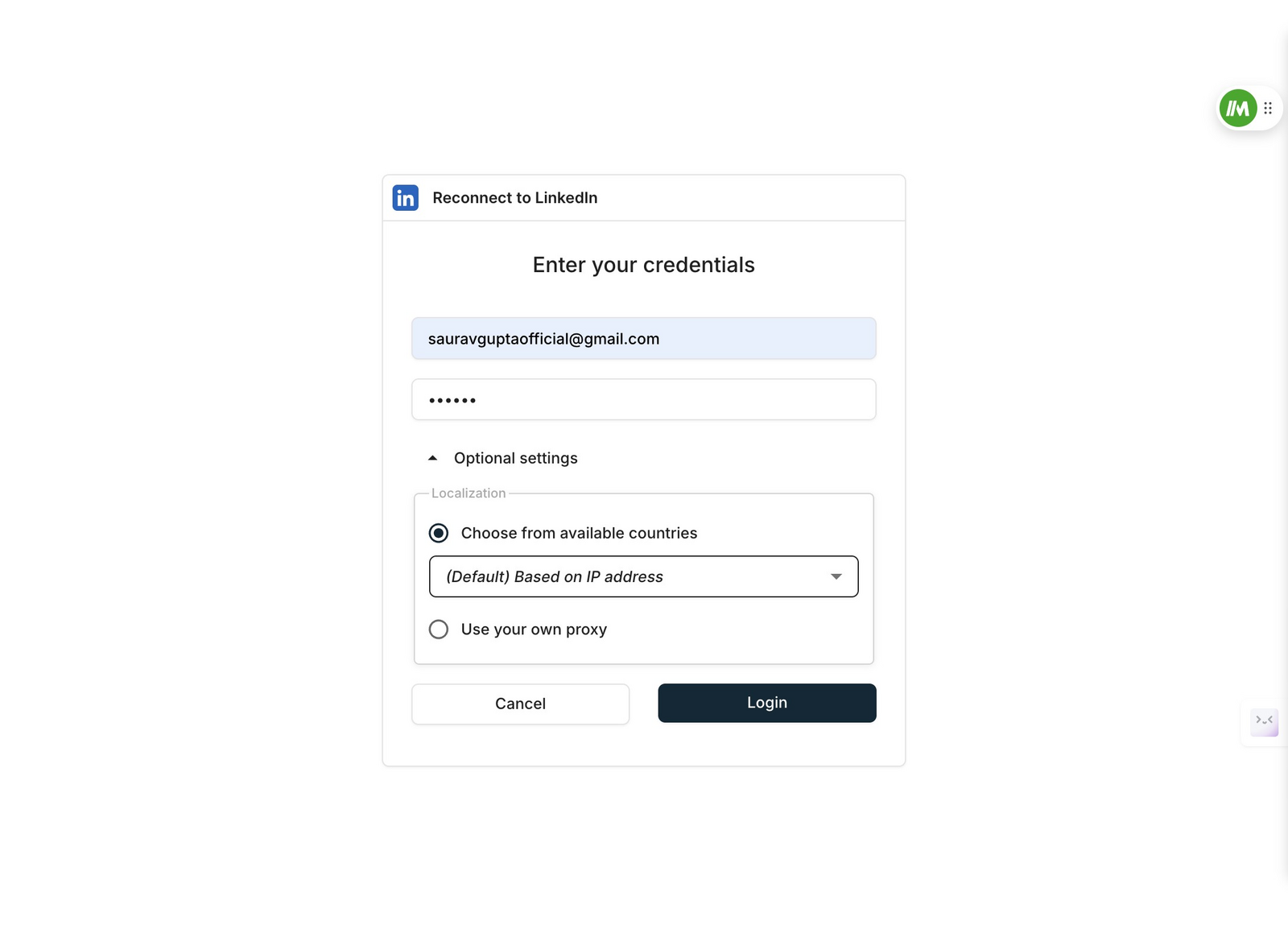
- Choose the country closest to where you live
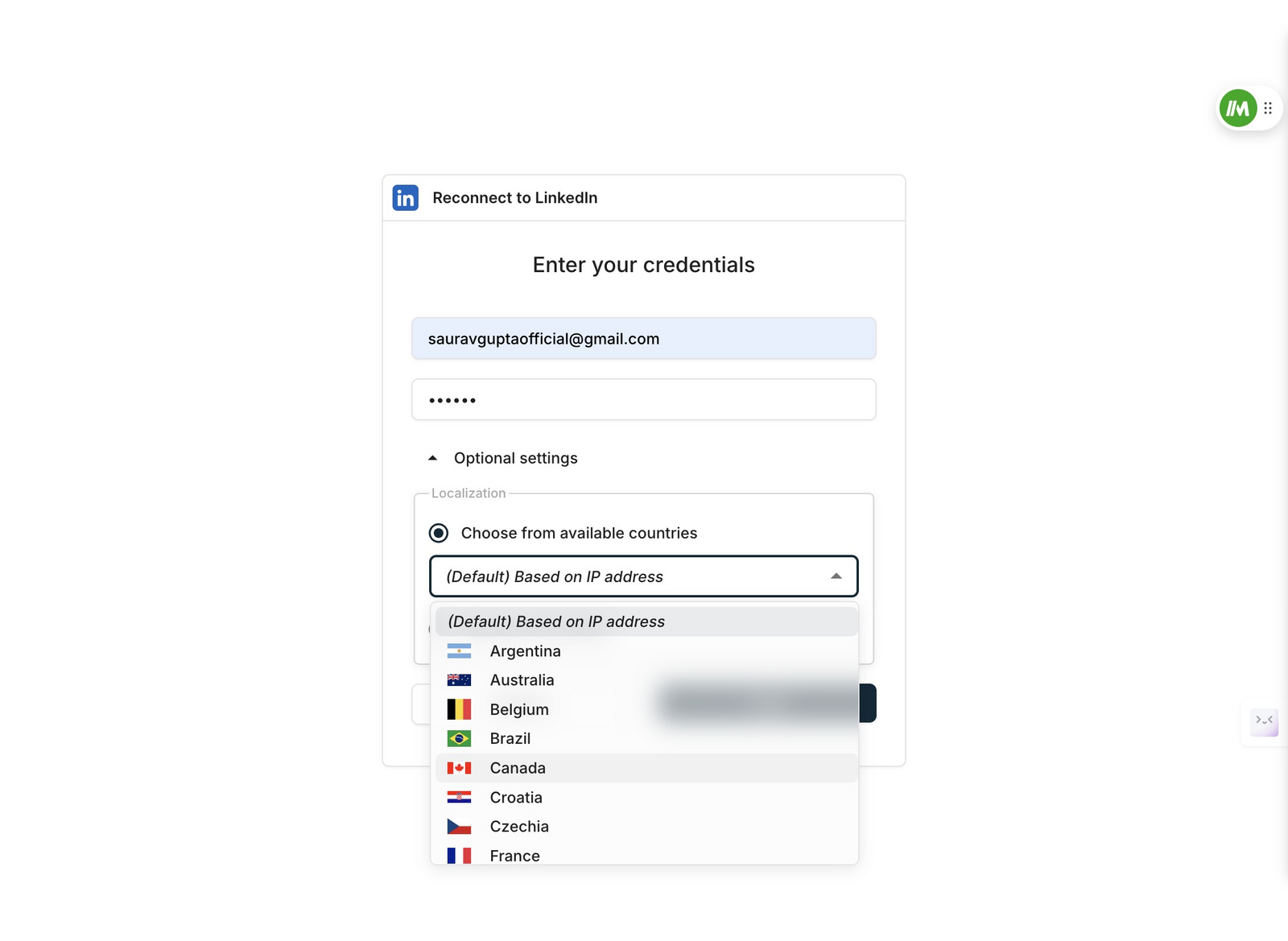
- Complete the rest of the flow and your account will be added successfully!