You can create advanced sequences in Lead Finesse to build detailed LinkedIn and email outreach campaigns. With the advanced sequence builder, you can add different actions, set delays, and create the exact sequence you want your prospects to receive.
Here's how you can do it:
Creating an advanced sequence
- Go to Lead Finesse > Campaigns > Create Campaign.
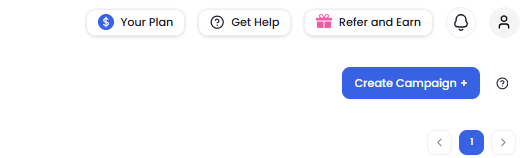
Choose between Create campaign with LinkedIn or Create campaign with LinkedIn and Email.
Select I'm an advanced user and enter a name for your campaign.
Choose how you want to add prospects to your campaign. For example, select LinkedIn Search.
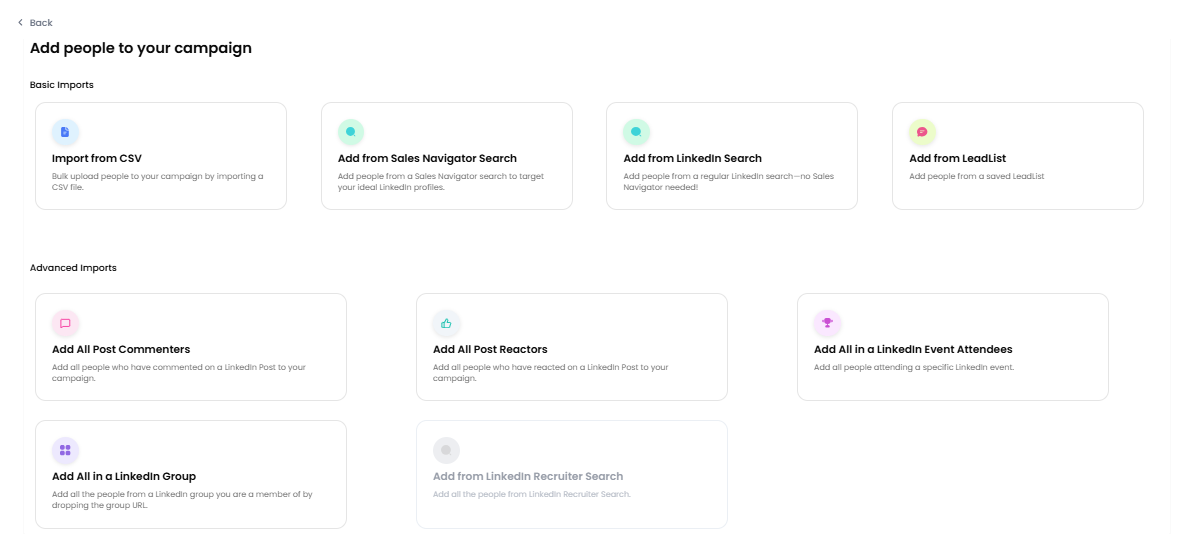
Go to LinkedIn and search for the prospects you want to target. You can search using keywords or use a Boolean search.
Copy the LinkedIn search URL and paste it into Lead Finesse and click Save.
Building your advanced sequence
On the next page, you'll see three options for creating your sequence. Select Advanced sequence from scratch.
You'll see a drag-and-drop sequence builder where you can add and arrange different steps in your campaign.
Add the actions you want to include in your sequence, such as:
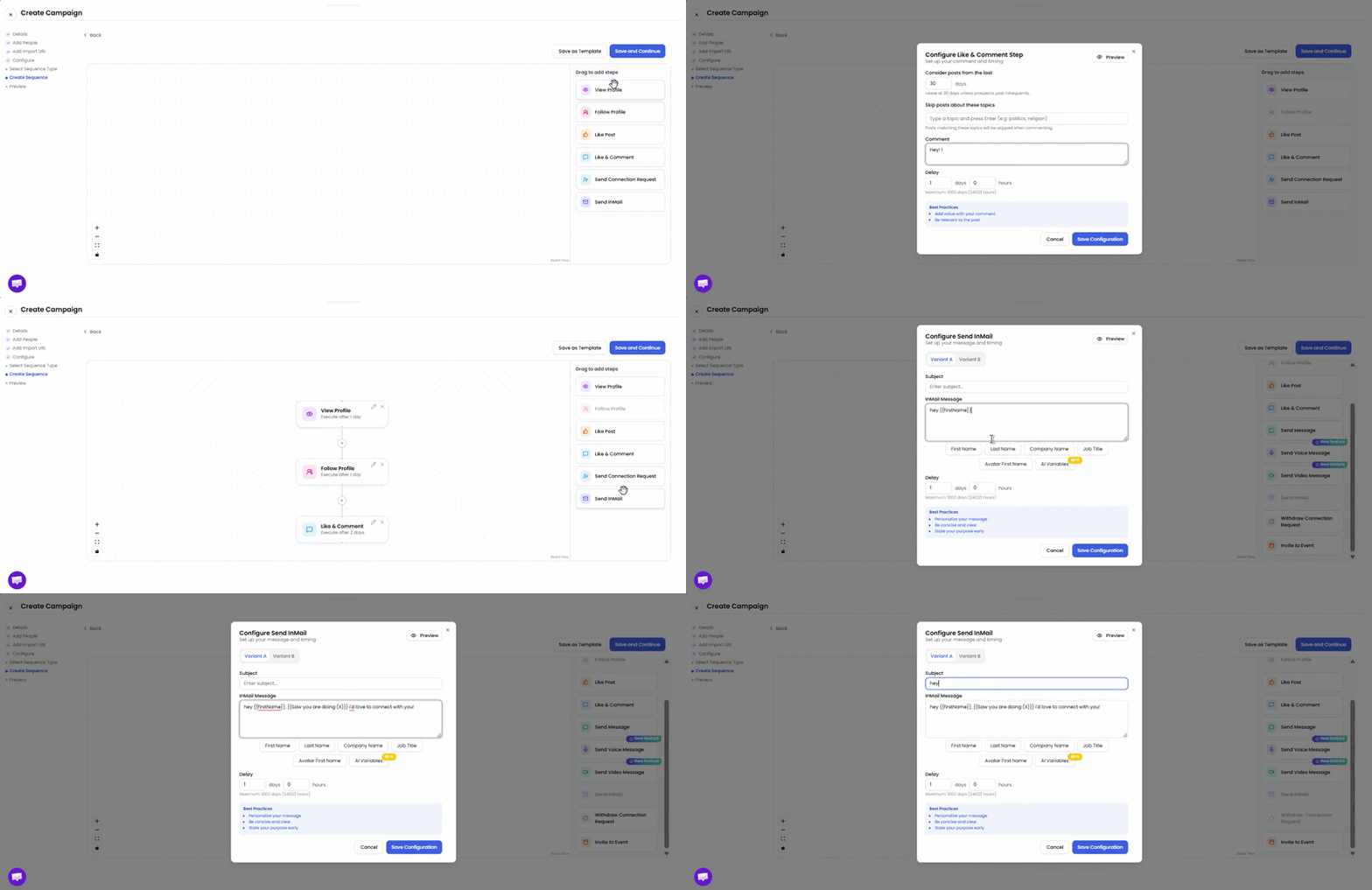
- View profile
- Like and comment on a post
- Send connection request, message
- Send InMail if the connection request isn't accepted
- Send video or voice messages
You can also set delays between each step and continue adding and arranging steps until your sequence is complete.
Once you're happy with your sequence, click Save and Continue.
Previewing and launching your campaign
On the next page, you can preview the complete sequence for any prospect.
Select a prospect and click View Campaign Sequence to see exactly how the sequence will be sent to them.
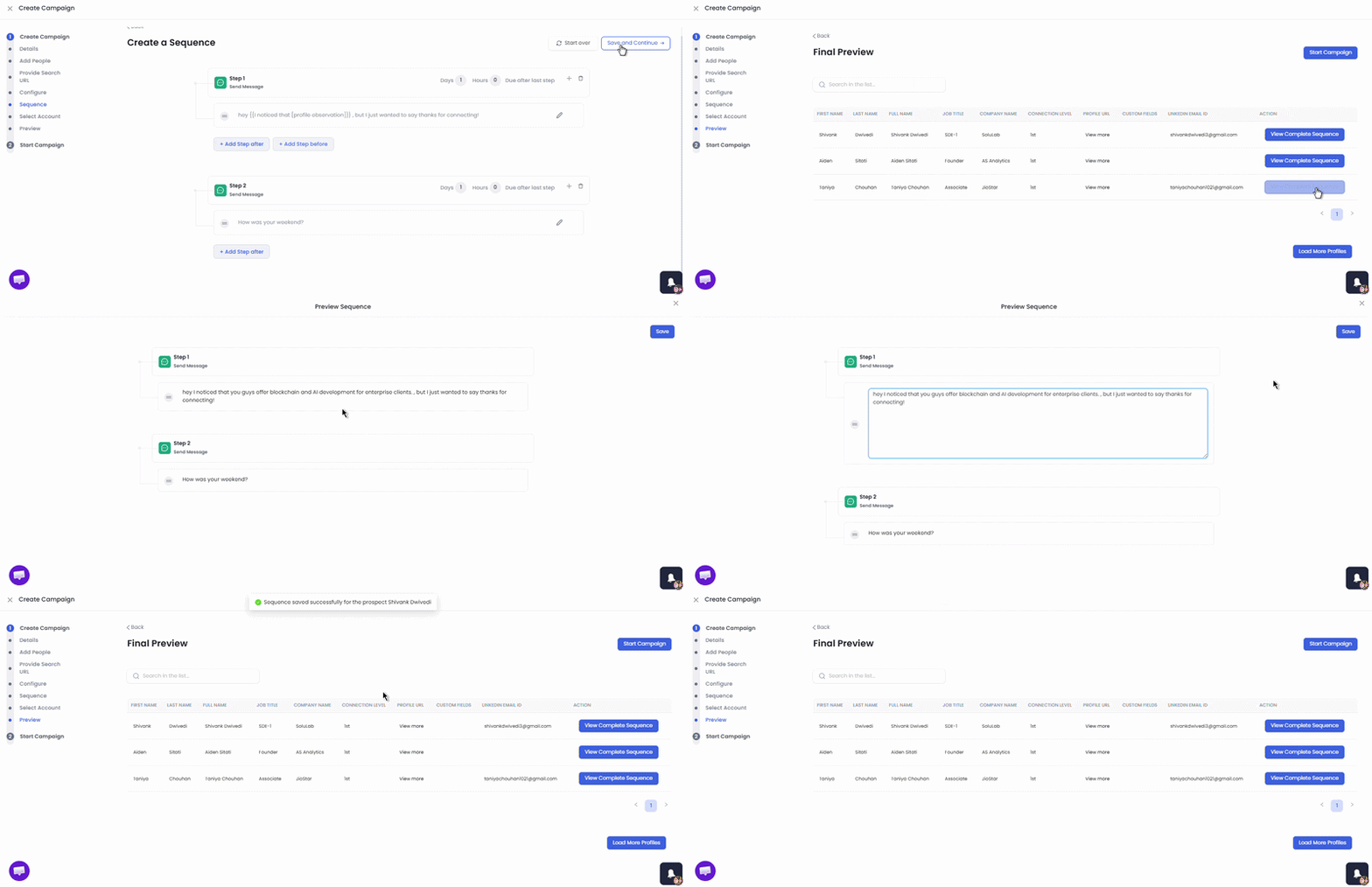
Review your sequence and make any final changes.
Once everything looks good, launch your campaign.